
In a previous post I argued that engineers do magic (read it here). And to help them do their magic better PADT Inc. introduced CoresOnDemand.com.

Among the magical skills engineers use in their daily awesomeness is their ability to bend the time fabric of the universe and perform tasks in almost impossible deadlines. It’s as if engineers work long hours and even work from home, while commuting and even at the coffee shop. Wait, is that what they actually do?
Among a myriad of tools that facilitate remote access and desktop redirection available, one stands out with distinction. NICE-Software developed a tool called Desktop Cloud Visualization (DCV for short). DCV has numerous advantages that we will get into shortly. The videos below give a general idea of what can be achieved with NICE-DCV.
Here is a video from the people at NICE:
And here is one of two PADT Employees using an iPhone to check their CFD results:
Advantages of Nice-DCV
Physical location of cluster/workstation or the engineers becomes irrelevant
Because engineers have fast, efficient and secure access to their workstations and clusters, they no longer need to be in the same office or on the same network segment to utilize the available compute resources. They can utilize NICE-DCV to create a fast, efficient and encrypted connection to their resources to submit, monitor and process results. The DCV clients are supported on Windows, Linux & IOS and even have a stand-alone Windows client that can be run on shared or public computers. In a recent live test, one of our engineers was travelling on a shuttle bus to a tiny ski town in Colorado, he was able to connect over the courtesy Wifi, check the status of his jobs and visualize some of the results.

The need for a powerful laptop or remote workstation to enable offsite work is no longer the only solution
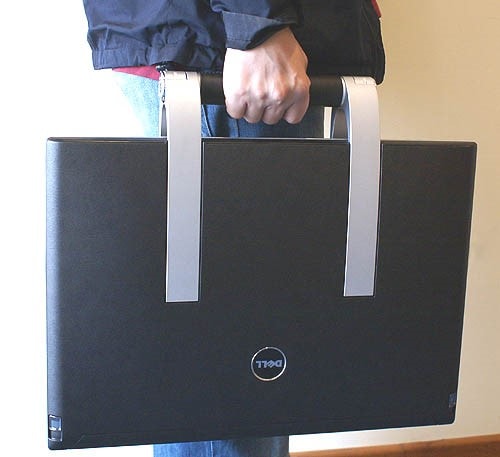
There is no need for offsite engineers lug around a giant laptop in order to efficiently launch and modify their designs or perform simulation runs. Users launch the DCV client, connect to their workstation or cluster and are immediately given access to their desktop. No need to copy files, borrow licenses or transfer data. Engineers don’t need to create copies of files and carry them around on the laptops or on external storage which is an unnecessary security risk.
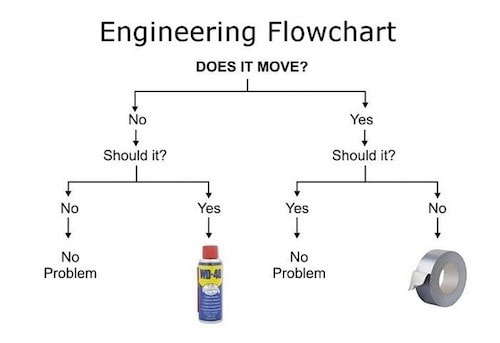
“If it ain’t broken don’t fix it!”
Every engineer uses ANSYS in his own special way. Some prefer the good old command line for everything even when a flashy GUI option is available. Others are comfortable using the Windows like GUI interface and would
Opens the door for GUI-only users to utilize large cluster resources without a steep learning curve or specialized tools.
Nice-DCV makes the use of ANSYS on large HPC clusters within reach for everyone. Engineers can log into pre-configured environments with all of the variables needed for parallel ANSYS runs already defined. Users can use can have their favorite ANSYS software added to the desktop as shortcuts or system admins can write small scripts or programs that serve as an answer file for custom job scripts.
From 0-60 in about…10 Minutes
For an engineer with the smallest amount of system administration skills it takes about 10 minutes to install the Nice-DCV server and launch the first connection. It’s surprisingly simple and straightforward on both the server and the client side. The benefits of Nice-DCV can be immediately realized in both simplified cluster administration and peace of mind for both the engineers and the system admins.
PADT’s CoresOnDemand and Nice-DCV
The CoresOnDemand service that PADT introduced last year utilizes the Nice-DCV tool to simplify and enhance the user experience. If you are interested in a live demo on Nice-DCV or the CoresOnDemand environment contact us either by phone: 480-813-4884 or by email info@padtinc.com. For more information please visit: CoresOnCemand.com
(Note: some of the social media posts had a typo in the title, that was my fault (Eric) not Ahmed’s…)