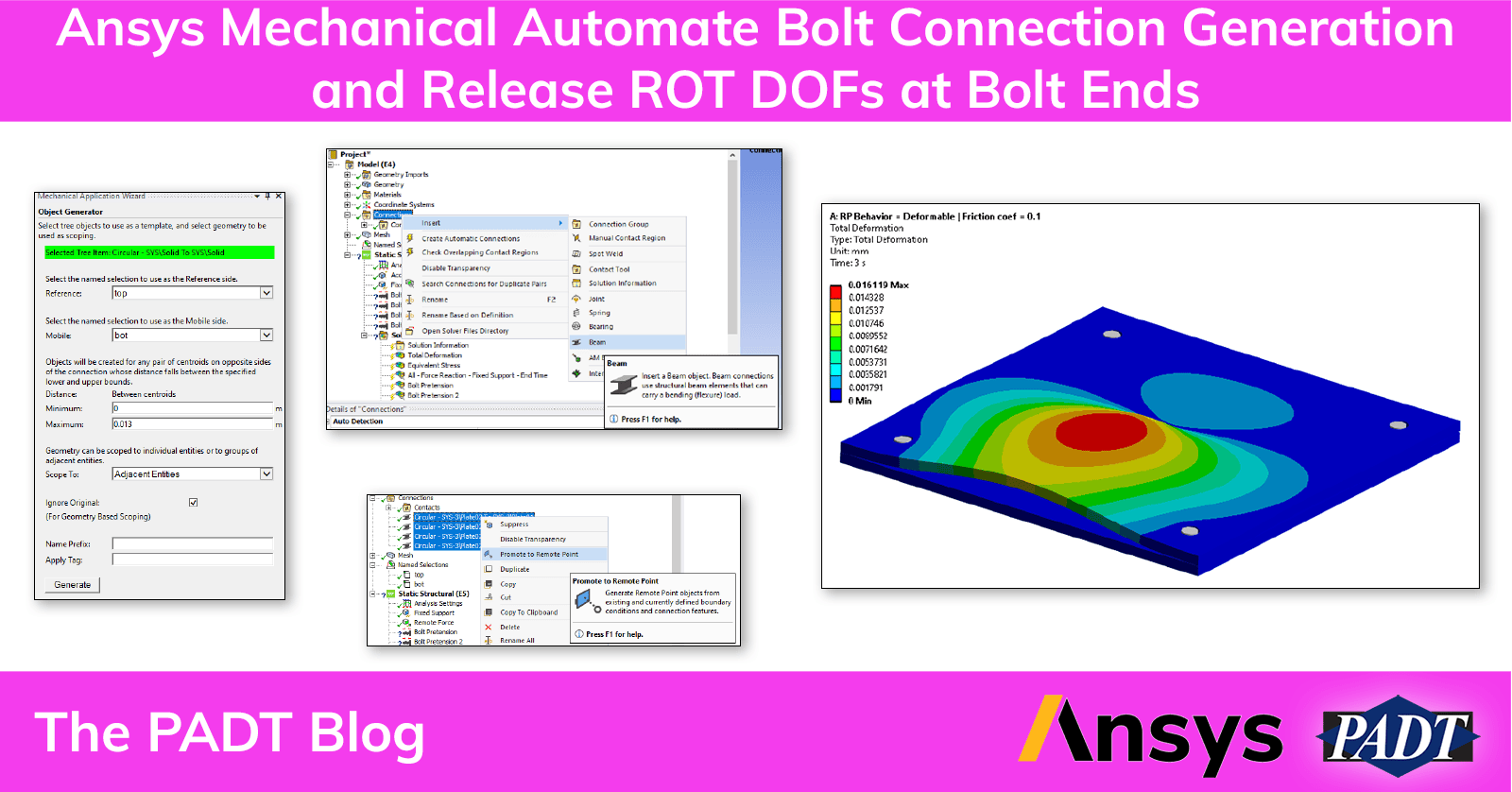
Recently one of our customers reached out to us with the following challenge around a bolt connection they were looking at. They needed to generate bolted connections such that:
- The workflow is automated to generate large amount of bolted connections
- Preload must be applied
- No moments are transferred to each bolt ends (meaning, end moments are released at each bolt end)
- Reaction forces can be extracted in all bolts
There are many ways to model bolted joints in Ansys:
- Both bolt and nut are modeled explicitly as solid bodies
- Simplified representation of a bolt as a line body
- Simplified representation of a bolt using a Beam Connection object
- Simplified representation of a bolt using a Translation Joint
- Simplified representation of a bolt using a Spring
Selection of a modeling strategy (solid vs line vs beam connection vs joint vs spring) depends on the goal of a particular analysis. For example, not every modeling strategy from above (1 – 5) can satisfy all the requirements that our customer needed in a) – d).
In this article, we will focus on modeling strategy #3 (Beam Connection object) to highlight one workflow trick that this method has to offer.
Here is a zip file containing the model we used in the tutorial:
PADT is Here to Supplement and Improve Your In-House Simulation Capabilities, Even if You Don’t Model Bolt Connections
This tutorial is a great example of the in-depth fundamental knowledge the PADT team has about the mechanics, physics, and math behind FEM and CFD. If you found this useful, please consider PADT for overflow simulation work or as a training and mentoring resource for your Ansys users. We are here to help – let’s talk.